Instagram is where a lot of trips start: a Reel of a rooftop bar, a carousel of "10 places to eat in Rome". Getting from those saves to an actual plan is the hard part. Here is a way to go from a saved Reel to a day you can follow, without retyping a single name.
From a saved Reel to a list of places
Instagram's Saved collections keep posts, not places. When the trip comes, you scroll through the collection, open each Reel, wait for the name to appear and type it into a map app. It works for three places. It does not work for forty.
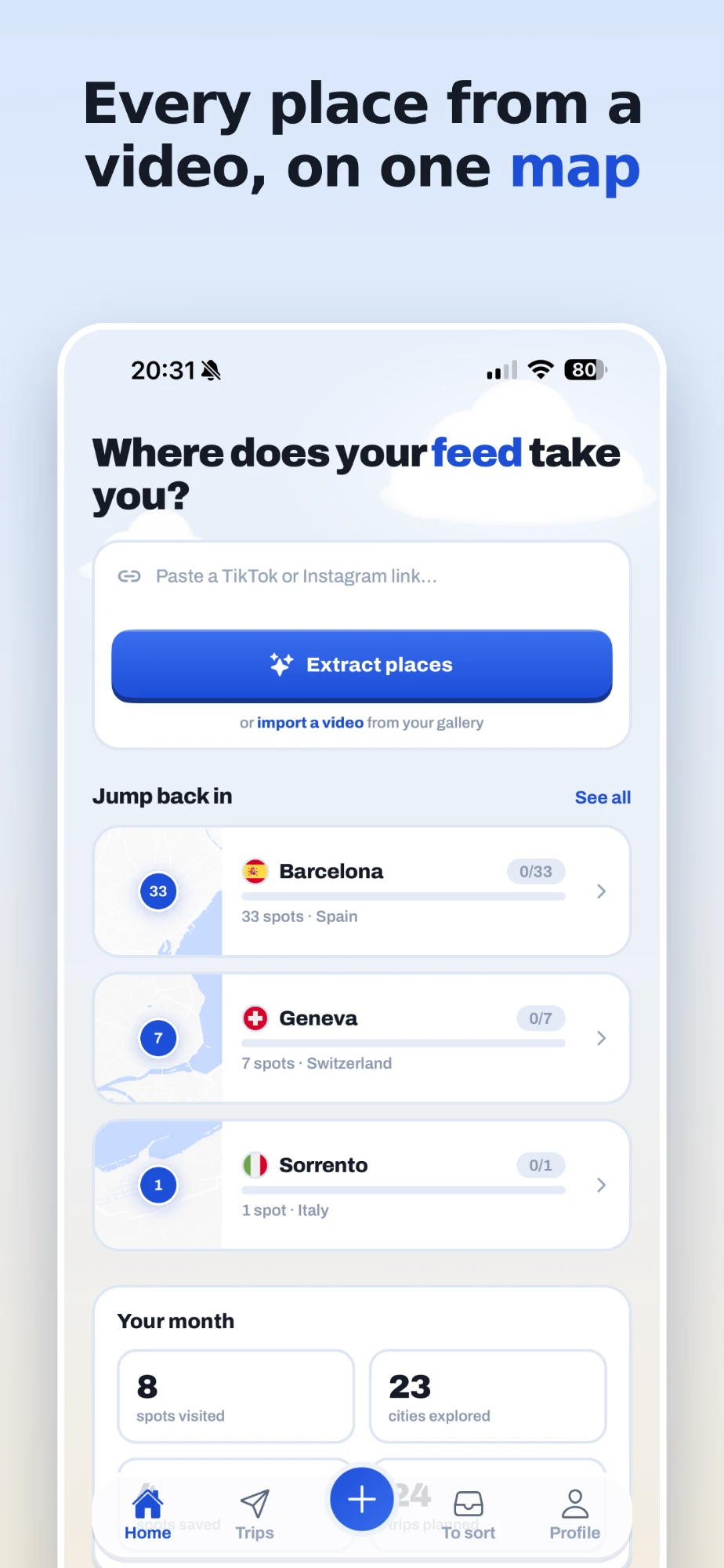
With feedtrip, open the Reel or post in Instagram, tap the Share icon and choose feedtrip. You can also copy the post's link and paste it into the app or on the web. feedtrip watches the Reel, reads the text on screen and the caption, and lists every place it recognises, each with its real address and a category.
Carousels work too
Much of Instagram travel content is not video at all: it is a carousel of photos, one place per slide, with the names in the image or the caption. feedtrip reads each slide of a carousel the same way it watches a video, so a "Rome in 10 slides" post becomes ten places on your Rome map.
Stories and highlights are the exception. They disappear, and they cannot be read once they are gone, so feedtrip asks for a Reel or a post instead. The share link from a Reel works best.
Every place on one map, by city
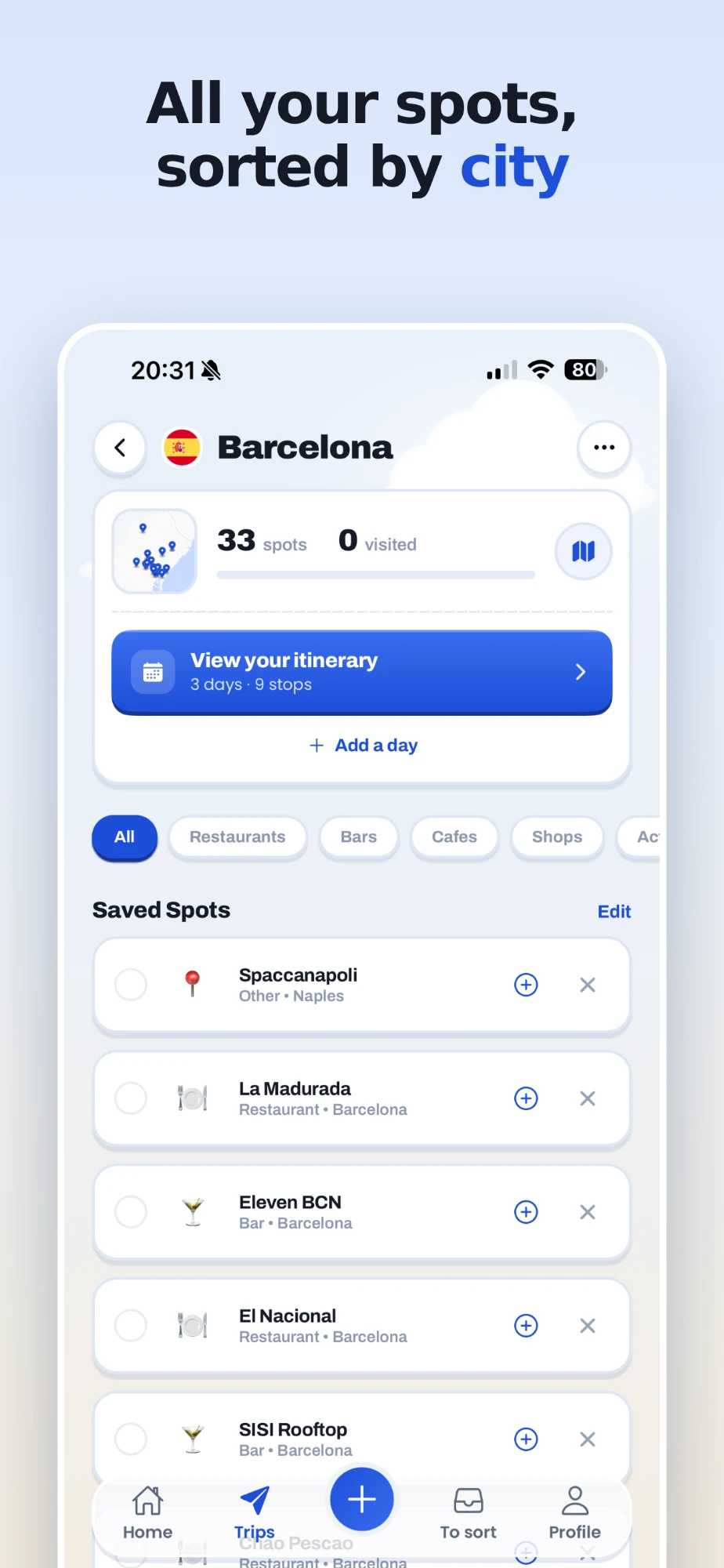
Places land in a trip named after their city, created for you the first time. Reels from different creators about the same city all end up together, and the same café saved twice stays a single café. When you open the trip you see everything on a map, filter by category, and add notes of your own.
From places to an itinerary
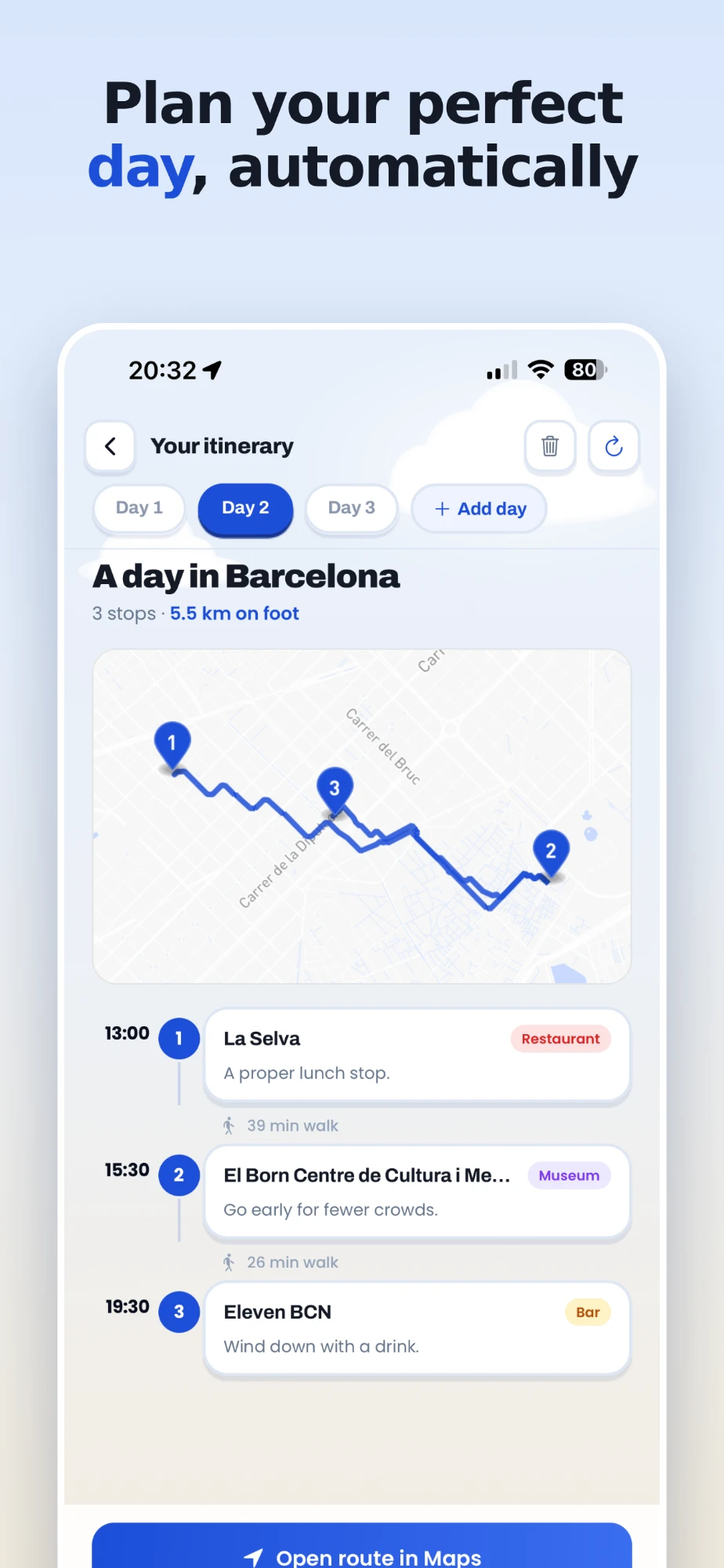
A map of forty places is still not a plan. This is where Plan my day comes in. Pick the places you want for a day, and feedtrip builds the day around them:
- an order that makes sense, so you are not crossing town and back;
- real times, with meals landing at meal times;
- a short, useful note at each stop;
- the walking route between stops, with how long each walk takes.
The day can start from your hotel or from where you are, and bring you back there in the evening. Planning a long weekend or a week? Add as many days as you need: each one is kept in the trip, and all your planned days are gathered in one Itineraries tab.
Following it on the day
On the day, open the itinerary and go. The whole route opens in Google Maps or Apple Maps in one tap for turn-by-turn directions, and each stop opens on its own if you would rather walk it step by step. If plans change, reorder the stops or remove one and the times follow.
Sharing it
Travelling with someone? Share the trip as a link. Whoever opens it sees the whole map in their browser, with no account and no app to install.
Free or Pro
Saving places is free: 3 scans a month, unlimited trips. Plan my day is part of Pro, which also raises the limit to 50 scans a month, for 9,99 € a month or 59,99 € a year. feedtrip works on iPhone, Android and the web, in English, French and Spanish.
Turn your saved Reels into a trip
Share a travel Reel to feedtrip and watch its places land on your map.
Free to start: 3 extractions a month, unlimited trips, no card needed. Or use it on the web at feedtrip.app.