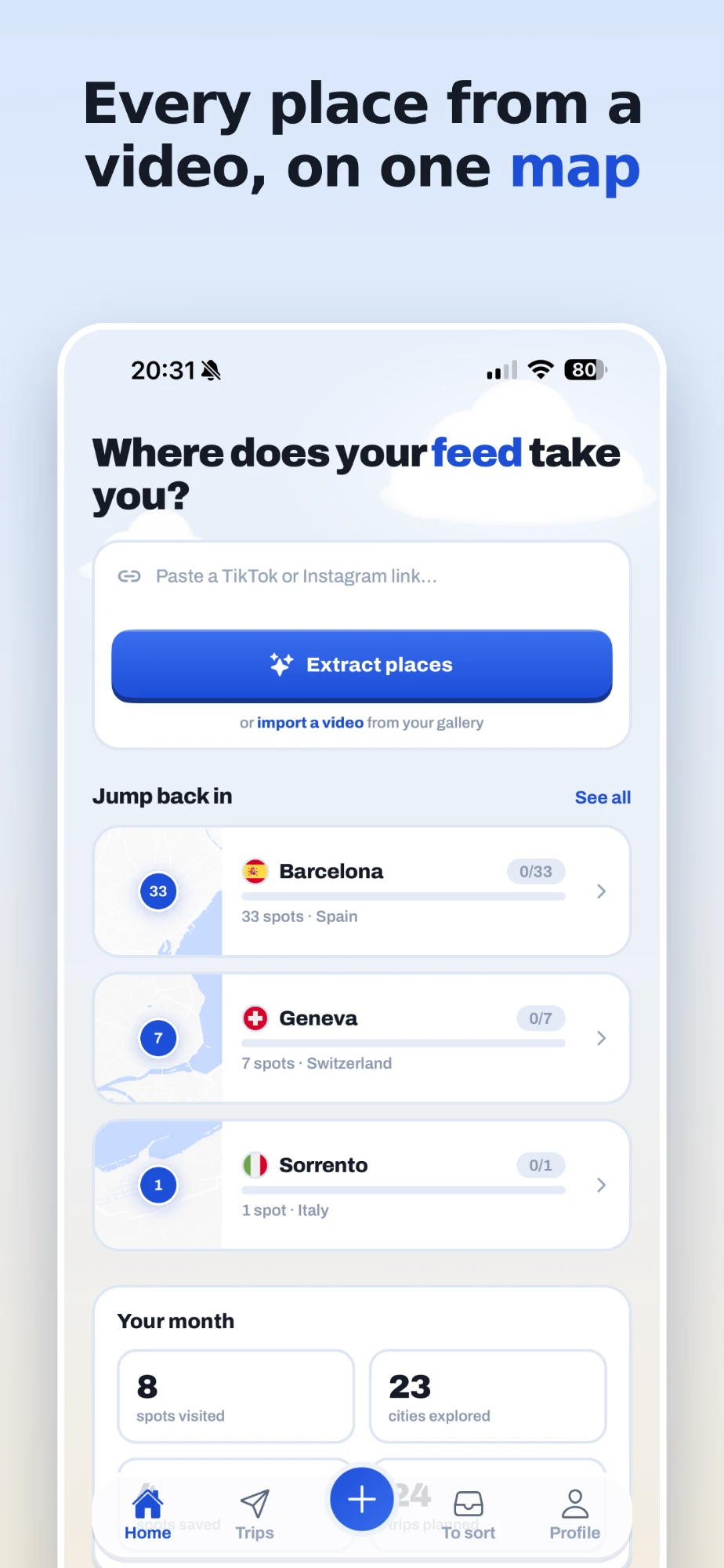
You save a video about twelve cafés in Lisbon, and six months later, standing in Lisbon, you cannot find it. TikTok is great at showing you places and bad at keeping them. Here is how to get every place out of a video and onto a map you will actually open.
Why TikTok saves get lost
The Saved tab in TikTok keeps videos, not places. A video called "12 spots you can't miss in Lisbon" is one entry, and the twelve names are buried in it: some written on screen for a second, some said out loud, some only in the caption. When you need them, you have to find the video again, watch it again and pause on each name. Screenshots are no better: they end up in a camera roll with two thousand others.
What you want is the opposite: the places, not the video. Each one with its real name and address, on a map, next to the places from every other video you saved about the same city.
Share the video to feedtrip
feedtrip does that in one gesture. In TikTok, open the video, tap Share, then choose feedtrip. That is the whole step. You do not need to copy anything or leave TikTok for more than a few seconds: you can go straight back and share the next video, and feedtrip works through them one after the other.
If you are on a computer, or prefer it, copy the video's link and paste it into feedtrip instead. Both do the same thing.
What feedtrip finds in the video
feedtrip watches the video the way you would. It reads names written on screen, listens to what the creator says, and reads the caption. Each place it recognises is matched to a real address, given a category (restaurant, café, bar, museum, viewpoint and so on) and placed on your map.
It only keeps what it can actually see or hear. A shot of a nice terrace with no name anywhere could be any terrace in the world, and a wrong guess is worse than no guess, so it stays quiet. Videos where the creator names their spots work best, and in practice that is most travel videos.
Sorted by city, without filing anything
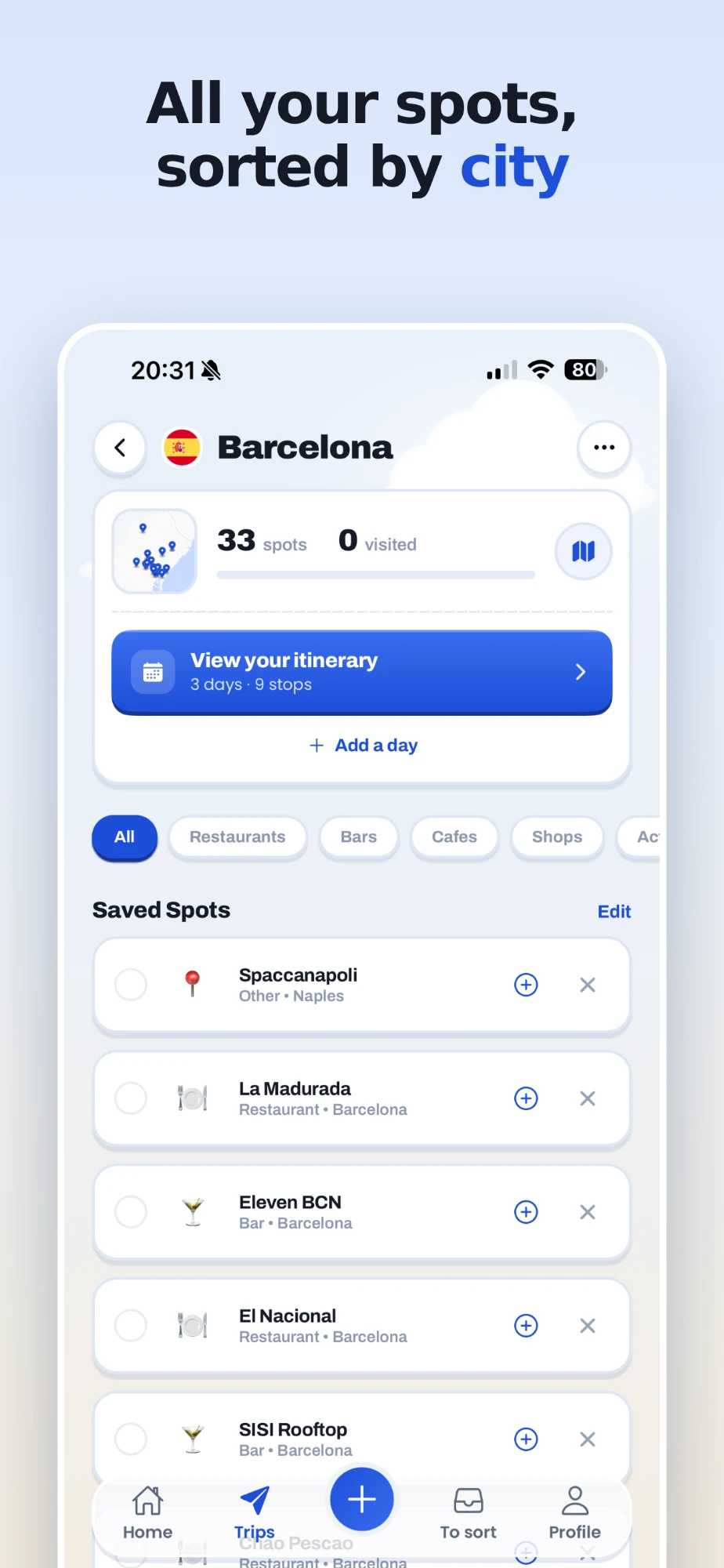
You never have to choose a folder. A video about Lisbon goes into a Lisbon trip. A video that hops between Lisbon and Porto creates one trip for each. Save another Lisbon video next week and its places join the same trip, and a place that was already there is not added twice, even if the second creator spells it differently.
On a real map, ready when you travel
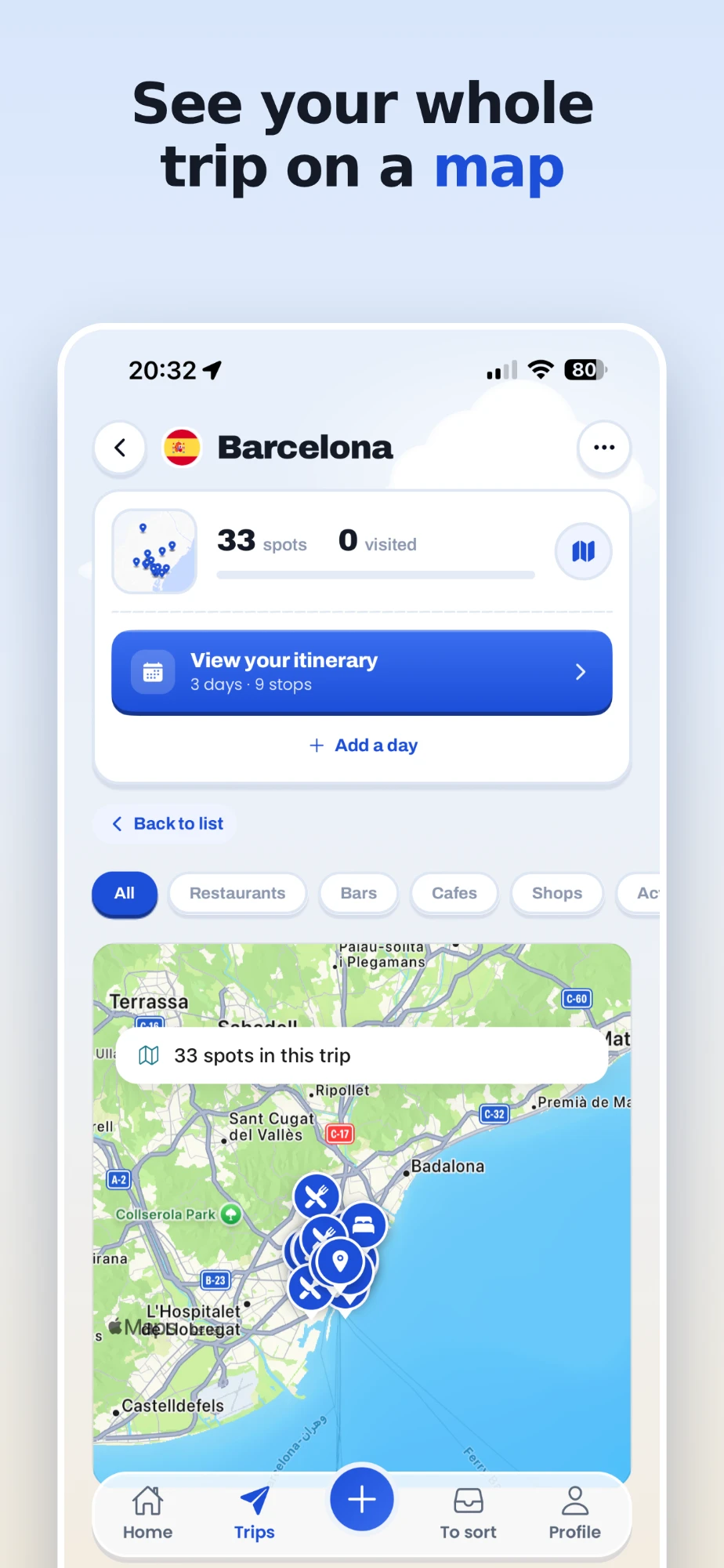
Every trip opens on a map with all its places, filterable by category when you only want the bars or the museums. Tap a place to see its address, rating and opening hours, add your own note ("book ahead", "best at sunset"), and open it in Apple Maps or Google Maps to get there. You can also see which video each place came from, and your places stay even if the original video is later deleted.
Places you already know about
Not everything comes from a video. A friend sends you a Google Maps link to a restaurant, or you already have a list of starred places. Share a Google Maps place to feedtrip and it joins the right trip like any other, and it does not use one of your monthly video scans. A whole saved list can be imported from a computer at feedtrip.app/import-maps.
What it costs
feedtrip is free to start: 3 video scans a month and as many trips as you like. Pro raises that to 50 scans a month and adds Plan my day, which turns a handful of places into a timed day on foot. Pro is 9,99 € a month or 59,99 € a year. It works on iPhone, Android and the web, with the same account everywhere.
Start your map
Share your next TikTok to feedtrip and see every place it shows on a map.
Free to start: 3 extractions a month, unlimited trips, no card needed. Or use it on the web at feedtrip.app.